The original on-device speed-climbing analysisSee every split.
Cut every tenth.
Lane C turns a phone video of your speed-climbing run into a skeletal breakdown, phase splits and a share-ready card — on-device, in seconds. See exactly where you lose time.

One App Store download covers iPhone, iPad and Mac (Apple silicon).
Android is coming later — get notified when it lands.
- iPhone
- iPad
- Mac
Your runs sync privately via iCloud, across every device you own.
An Android version is coming soon.
Built for the 15-meter sprint
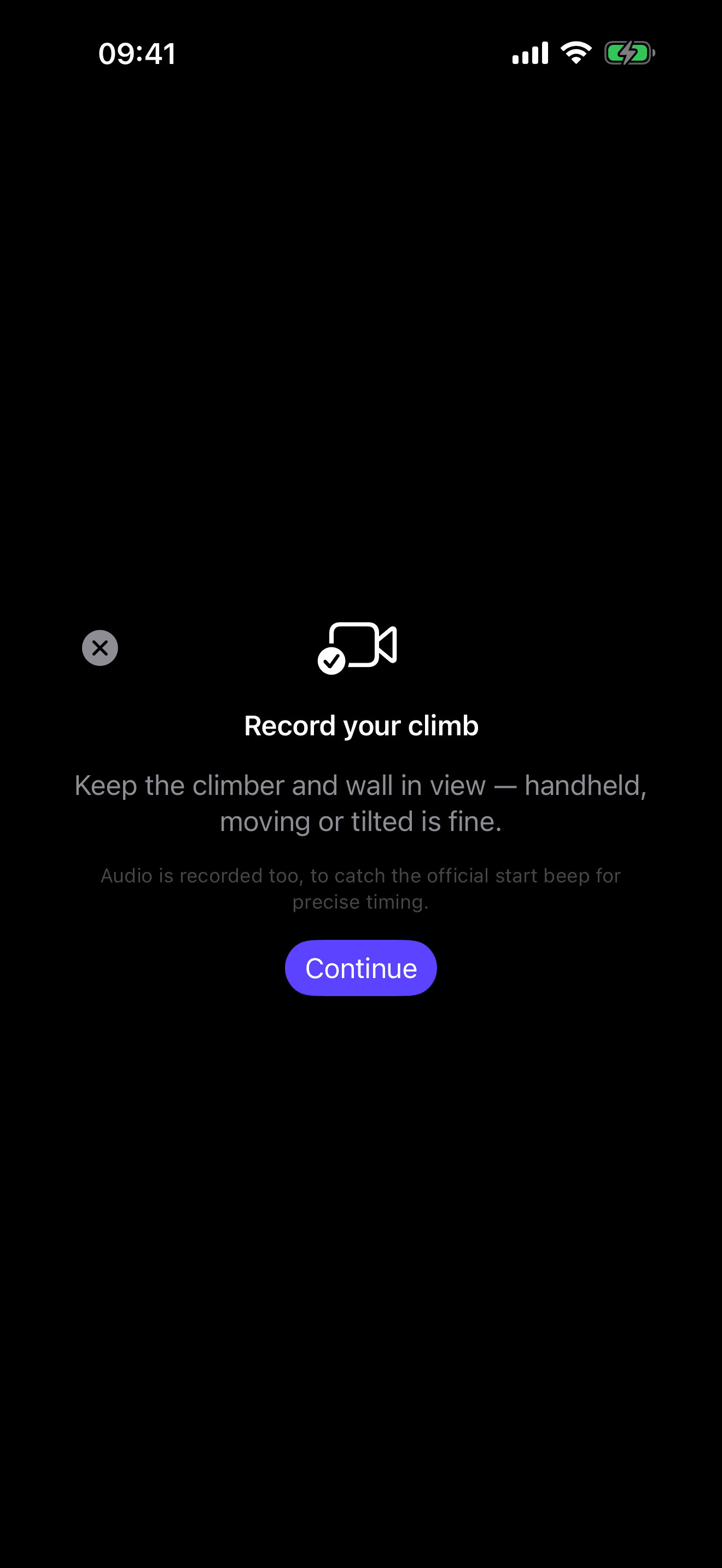
Just point and film
Handheld footage works. Lane C locks onto the wall automatically, even with a moving camera and two climbers in frame — and builds both lanes' runs from a single clip.
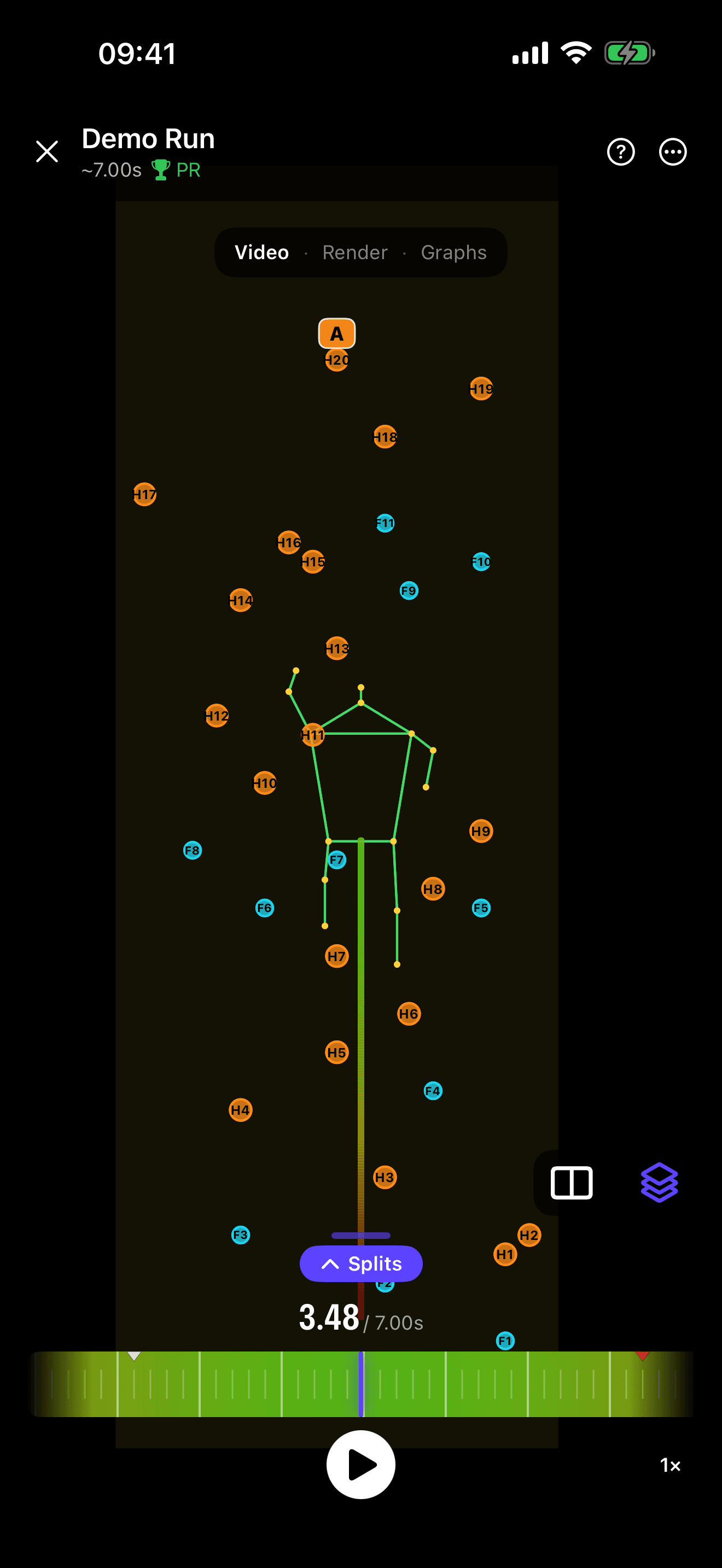
Skeletal breakdown
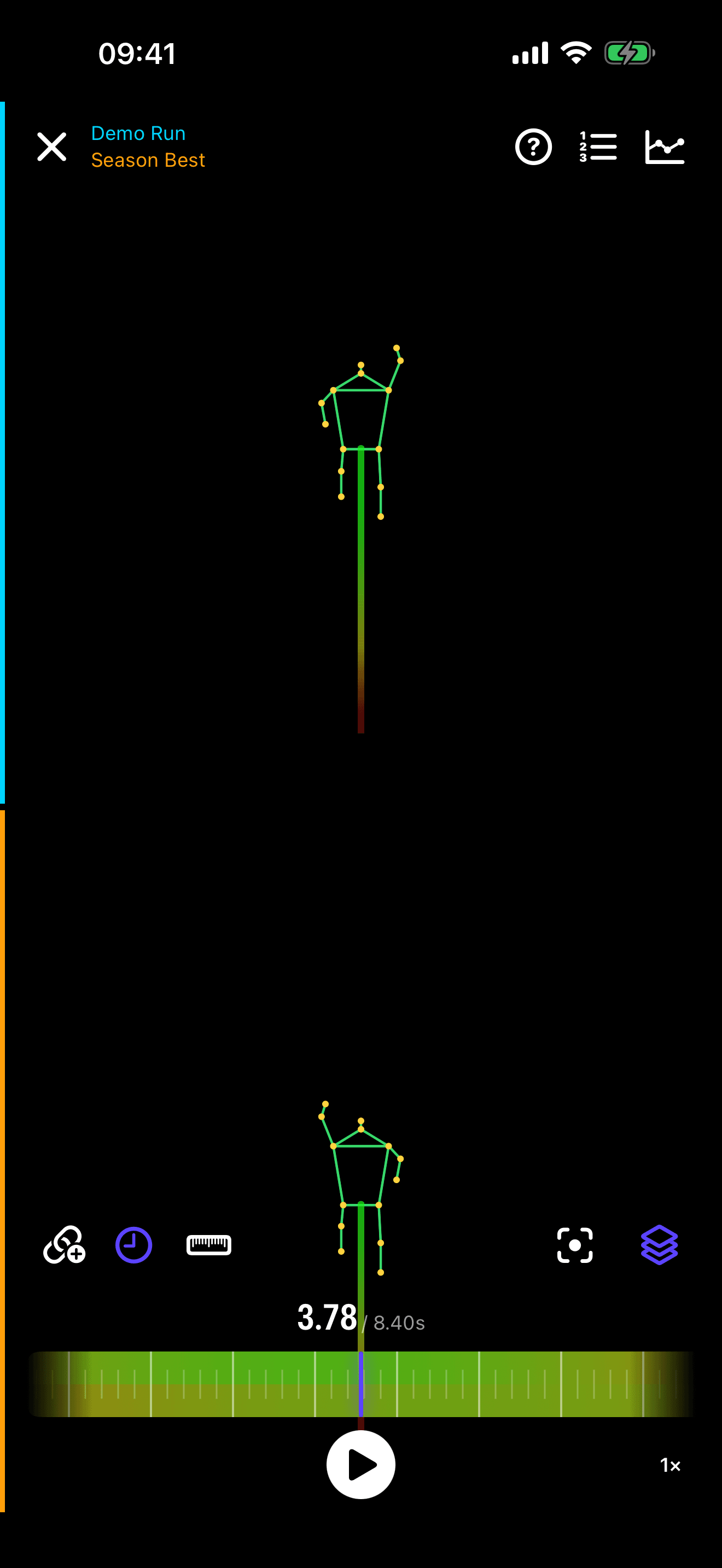
AI pose tracking overlays your movement so you can see exactly where time goes.
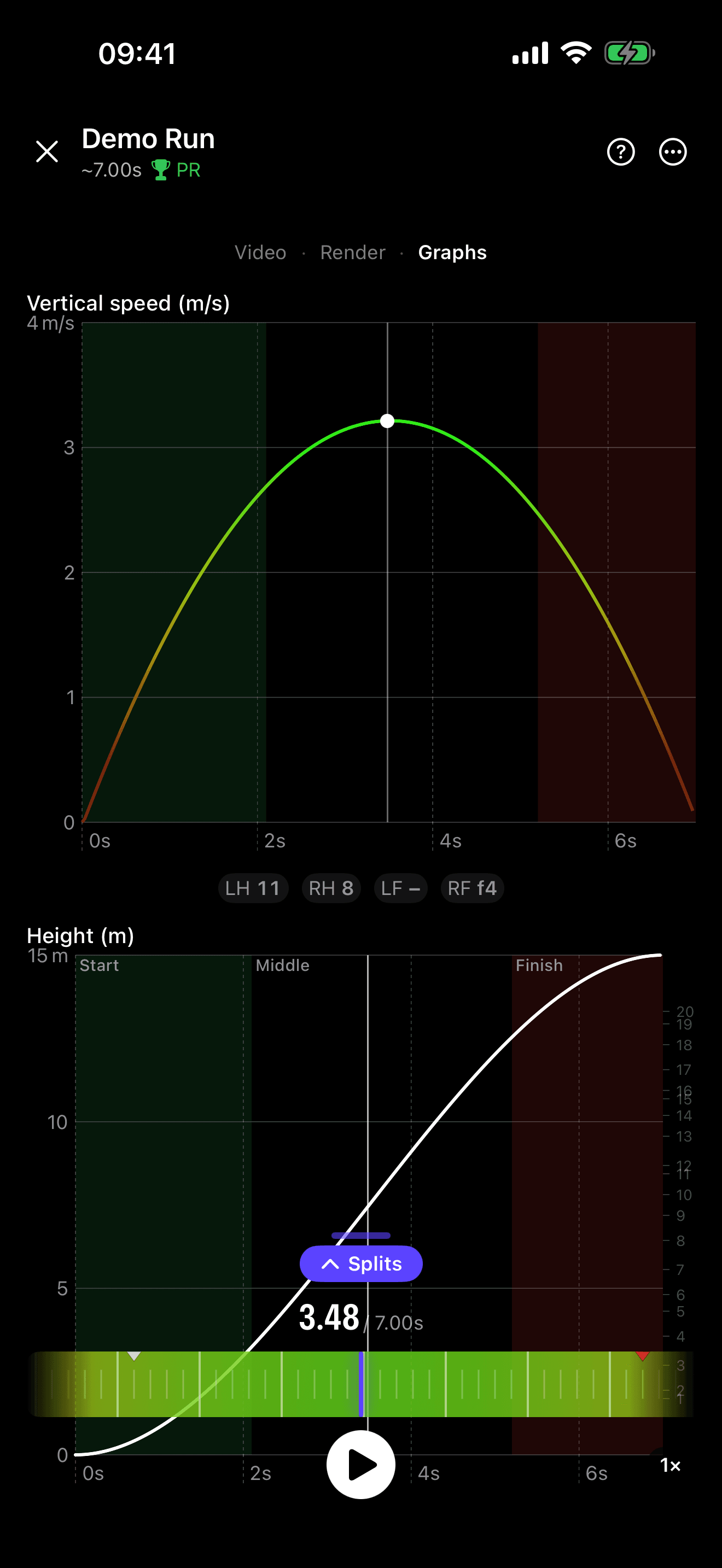
Phase splits
Start, middle, finish — splits for every run, with the finish timed to the pad slap.
Speed curve
A smoothed velocity curve for every climb — spot hesitations and dead points instantly.
The real wall
The official IFSC speed route rendered hold-for-hold, true to scale — on analysis, run cards, and share graphics.
Side-by-side compare
Play two runs at once — sync by time to see who's ahead, or by height to compare technique hold-for-hold.
Log every attempt
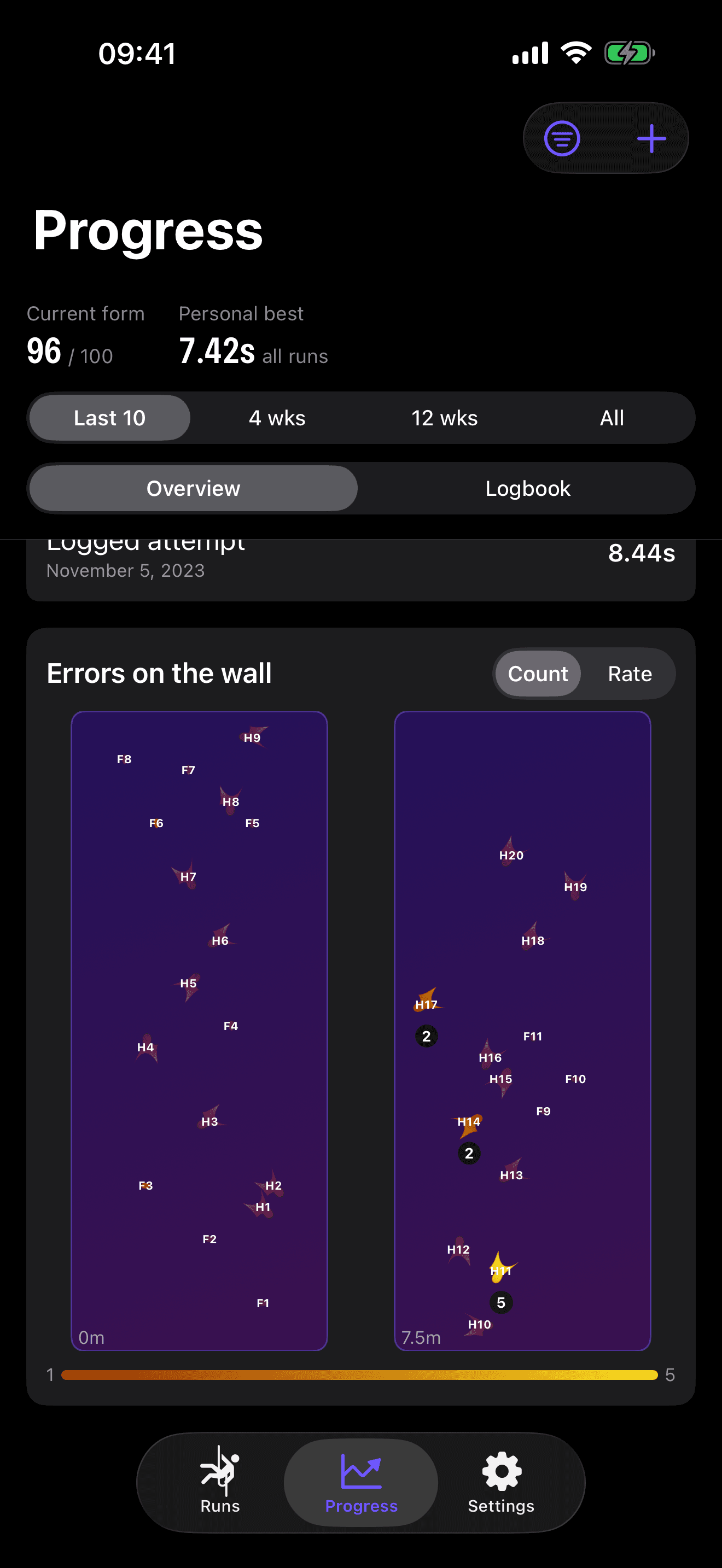
Not every attempt is on video. Log the rest and tag slipped holds to build an errors-by-hold heatmap. Clean-only filtering keeps a sloppy time from setting a false PR.
Athlete or coach
Answer once at first launch. Lane C sets up the right experience, and your other devices follow via iCloud.
On-device
Analysis runs on your phone. No upload, no waiting, works at the gym.
Export & share
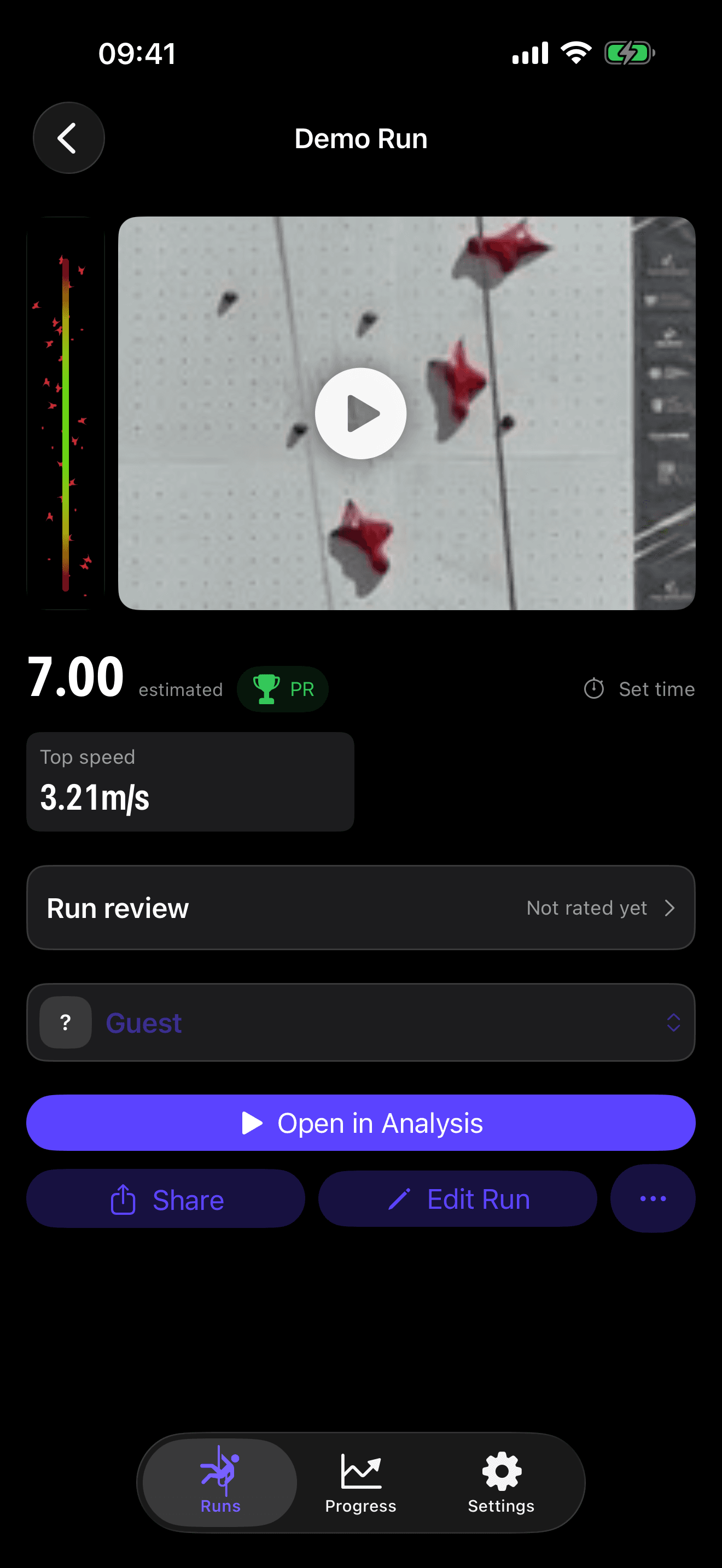
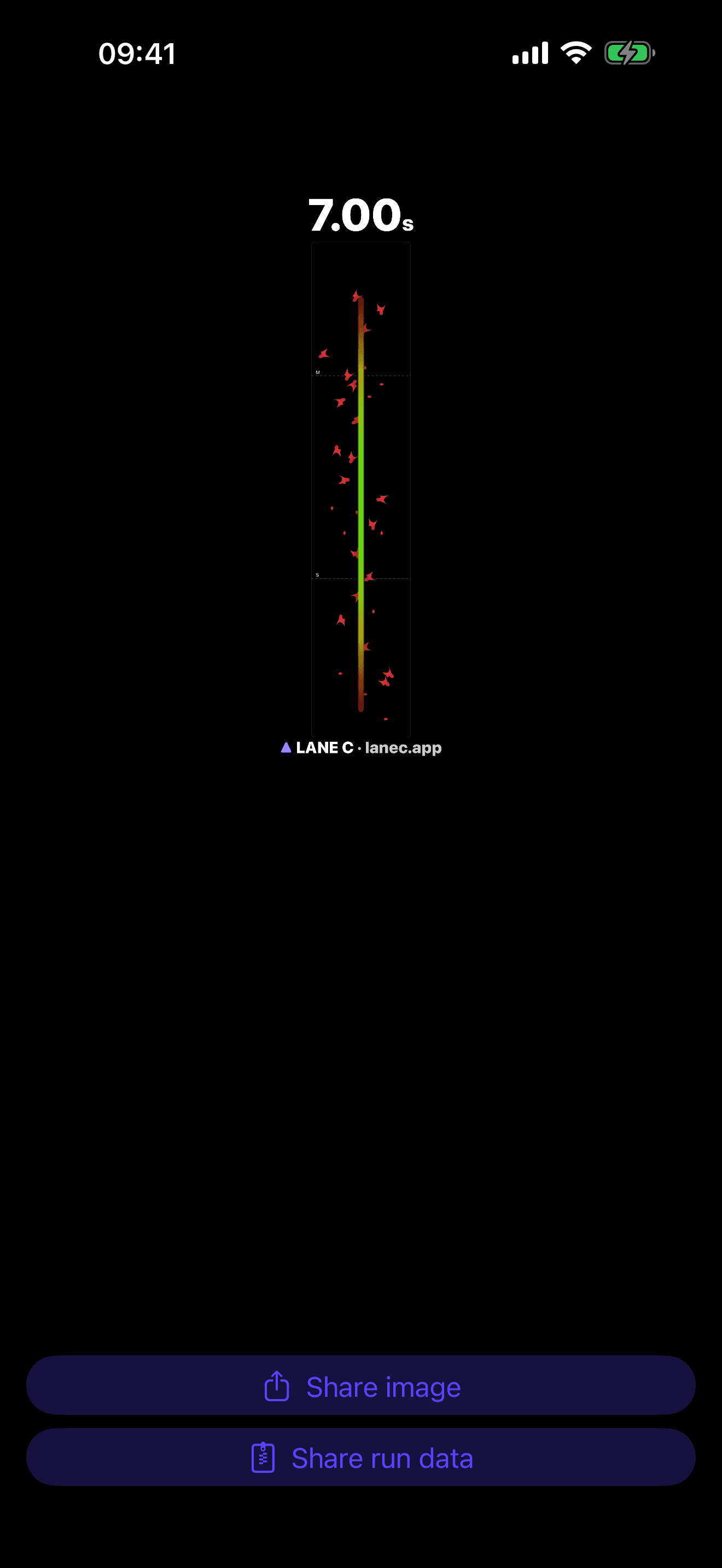
Export a run card or clip in one tap and share it via AirDrop with your coach or athletes.
From video to verdict
Speed-climbing analysis, answered
Do I need special hardware to analyze a speed-climbing run?
No. A normal iPhone is enough — handheld footage works, and a tripod is optional. Lane C locks onto the wall automatically even when the camera moves, and it builds both lanes' runs from a single clip.
Does my video get uploaded to a server?
Never. The whole analysis — pose detection, splits, speed — runs on your device's Neural Engine. Your video is never uploaded anywhere. If you turn on iCloud sync, your runs go to your own private iCloud, which we cannot read.
Which devices does Lane C run on?
iPhone and iPad on iOS or iPadOS 17 and later, and Mac with Apple silicon. One App Store download covers all three, and your runs follow you across them via iCloud. An Android version is planned, with no date yet.
How does Lane C time the splits?
Splits come from frame-by-frame pose tracking across the official IFSC 15-metre route, and the finish is timed to the pad slap rather than to when you stop moving. Because the timing is derived from video frames, a higher frame rate gives you finer resolution — film at the highest rate your device offers for the tightest numbers.
Which wall and route does it support?
The official IFSC 15-metre speed route, rendered hold-for-hold and true to scale — in the analysis view, on run cards, and in share graphics. It is the standardized route, so every run is comparable to every other.
Is Lane C free?
Lane C is a free download from the App Store with optional in-app purchases. There is no account to create and no subscription to the website — purchases are handled by Apple through your App Store account.
Can I use Lane C to coach a team?
Yes, on-device: pick the coach setup at first launch and you get a coach's view of the runs on your own devices. Team sync across a whole squad — Lane Cloud — is in closed testing and not open for sign-ups yet. Coaches can email us to join the pilot.
For teams & clubs
Lane Cloud is in closed testing
A coach's view of every athlete, a shared run library, progression over time. Not open yet — but coaches can ask to join the pilot.
100% on-device
Your video never leaves your device — the full analysis runs on the Neural Engine. No account, no upload. Optional iCloud sync keeps your runs in your own private iCloud, visible to no one else, not even us.
Read the privacy policy